![TWC_blanco_horizontal.png]](https://support.transworldcompliance.com/hs-fs/hubfs/Logos/TWC_blanco_horizontal.png?height=50&name=TWC_blanco_horizontal.png)
Remediation is where you can view and change your data. You can also see which records have flags raised, add related documents to records and/or download audit reports.
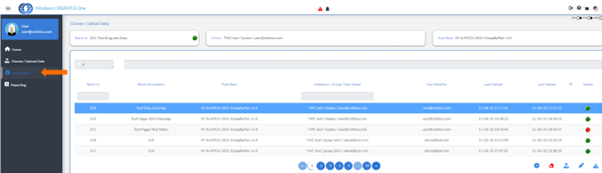
After successful uploading, click on “Remediation button” on the left in the menu.
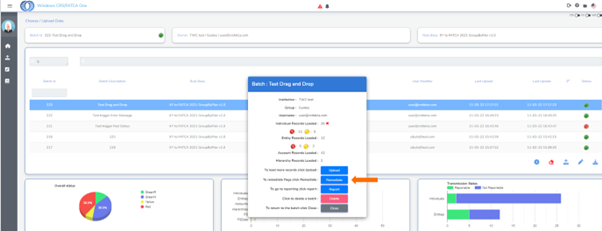
Or double click the batch:
Can't find your answer? Fill out our support form.
** Tax Authority Portal users: Flags might not be available for you. You will only be able to edit the record and/or account balance and check the hierarchy.
Interested in the Remediation Module? Please contact sales@transworldcompliance.com